

You post a thought-provoking tweet, use the right hashtags, and wait. One hour later: 0 Likes, 0 Retweets, 2 Impressions. It feels like you’re shouting into a void. On X (formerly Twitter), this isn’t always a lack of interest—it’s often a Shadowban. In 2026, with X’s algorithms becoming increasingly aggressive against bot-like behavior, even legitimate creators are getting caught in the crossfire.
In this guide, we’ll break down exactly what a Twitter shadowban is, how to run a 100% safe test without logging in, and the concrete steps to restore your account’s reach.
What Exactly is a Twitter Shadowban?
A "Shadowban" is a stealth penalty where your account remains active, but its visibility is severely restricted without any official notification. It is the platform’s way of "quarantining" suspicious accounts.
According to the latest GitHub algorithm release in January 2026, X has transitioned to a unified AI-driven scoring system. As reported by Dataconomy, this means shadowbans are now more fluid and harder to detect using old methods.
In the current 2026 algorithm, there are four distinct levels of suppression:
1. Search Ban (The Ghost Ban)
This is the most severe. Your tweets and profile are completely stripped from the search index. Even if someone searches for your exact username, you won’t appear.
2. Search Suggestion Ban
Your account isn't showing up in the search bar's auto-fill. To find you, users must type your entire handle and navigate to the "People" tab. This kills your organic growth from new followers.
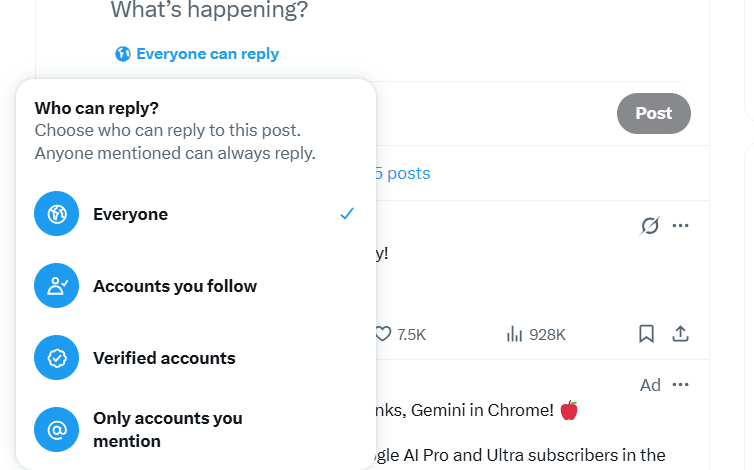
3. Reply Deboosting (The "Show More" Filter)
X hides your replies under a "Show more replies" button at the very bottom of a thread. If the algorithm marks your content as "offensive" or "low-quality," your voice is effectively silenced in public conversations.
4. Thread/Ghost Ban
Your tweets don’t show up in your followers' home timelines. You are essentially a ghost, visible only to yourself.
The "Login Wall" Trap: Why Most Shadowban Tests Fail
If you suspect you're banned, your first instinct is likely to use a third-party "Shadowban Checker." However, 2026 presents a new challenge: The X Login Wall.
Most traditional testing methods require you to:
1. Connect your X account (API Authorization): This is risky. If your account is already "flagged," authorizing a third-party app can trigger a secondary security review, leading to a full suspension.
2. Use Incognito Mode: X now aggressively blocks non-logged-in users from viewing search results, making manual incognito testing nearly impossible and highly inaccurate.
How to Run a 100% Safe Test
To get an objective "Outsider’s View" of your account, you need a tool that doesn't trigger X's internal security flags. This is where Twitter-Viewer.com comes in.
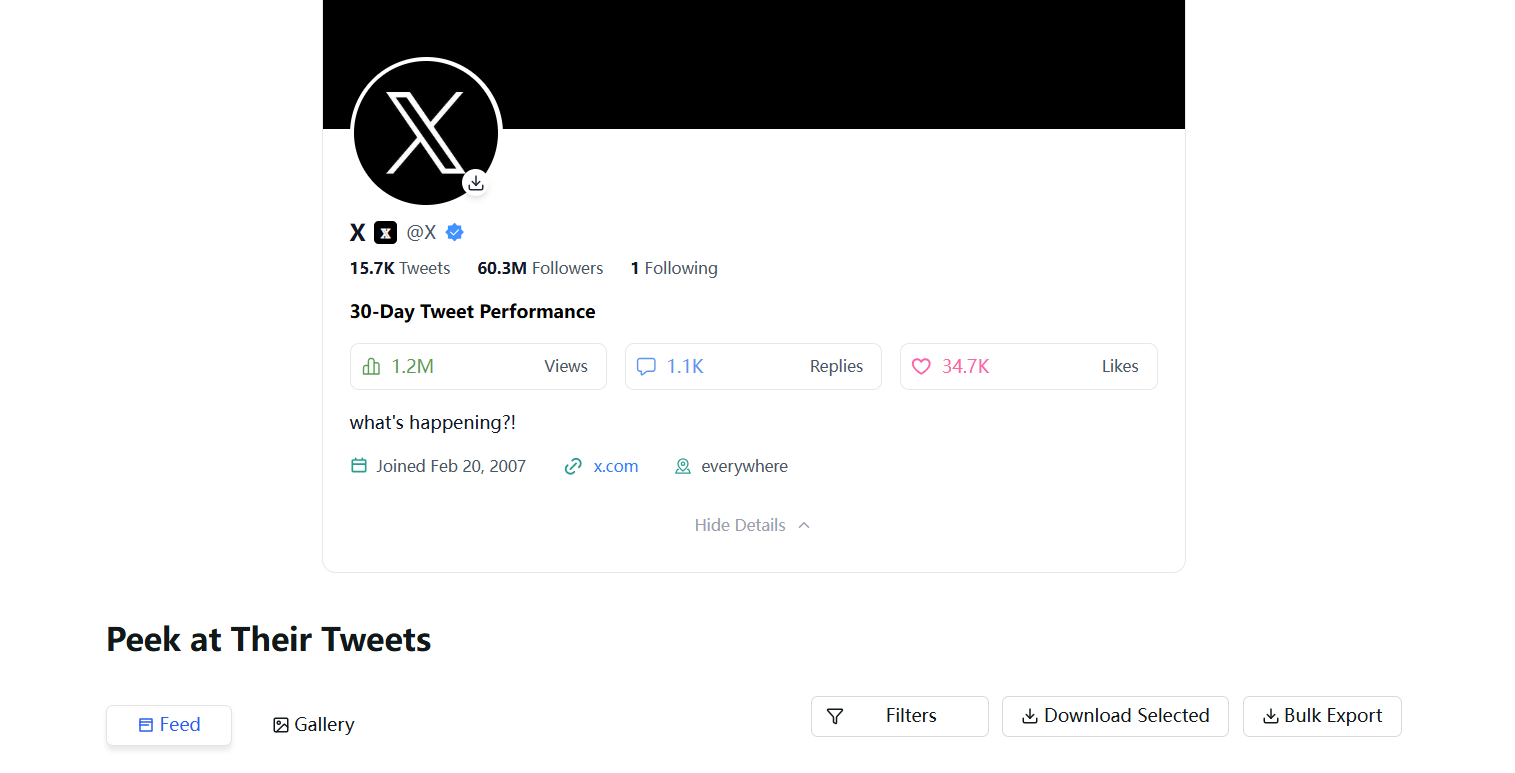
Because Twitter-Viewer allows you to browse tweets without a Twitter account and without logging in, it serves as the ultimate "neutral observer."
Step-by-Step Verification:
1. Go to Twitter-Viewer.com.
2. Search for your handle: Input your username in the search bar.
3. Analyze the Results:
• Healthy Account: Your profile and latest tweets appear instantly.
• Shadowbanned Account: If your profile is "Not Found" or your latest tweets are missing despite being public, the algorithm has successfully hidden you from the public web.
4. Check Your Replies: Use the tool to look at a thread where you replied. If your reply isn't visible through the viewer, you have been "Reply Deboosted."
The Advantage: Since you never log in, there is zero risk of further flagging your account. You are seeing exactly what a "Logged-out" world sees.
Why Did I Get Shadowbanned? (The 2026 Triggers)
X’s AI-driven safety layers look for specific patterns. You might be banned if you’ve recently engaged in:
• Aggressive Automation: Following/unfollowing too many people within a short window.
• Coordinated Behavior: Tweeting the same link or text as dozens of other accounts (often happens during marketing campaigns).
• Keyword Sensitivity: Using "blacklisted" terms or excessive hashtags that trigger spam filters.
• IP Reputation: If you use a low-quality VPN, you might be sharing an IP address with a known bot farm.
How to Fix a Twitter Shadowban: The Recovery Roadmap
If the test on Twitter-Viewer.com confirms you are hidden, don’t panic. Most shadowbans are temporary (lasting 48 hours to 7 days). Follow this recovery protocol:
Phase 1: The "Ghost" Period (48-72 Hours)
Stop all activity immediately. No tweeting, no retweeting, and most importantly, no liking. You need to let your account’s "velocity score" reset.
Phase 2: Audit Your Third-Party Apps
Revoke access to any suspicious apps. Go to Settings > Security and account access > Apps and sessions. If an app hasn't been updated in years, delete it.
Phase 3: The "Human" Signal
Complete a "Humanity Check."
• Ensure your profile has a bio, a profile picture, and a header.
• Turn on Two-Factor Authentication (2FA). This is a massive trust signal to X's security team.
• Avoid using automation for at least a week.
Phase 4: Verify Recovery
After 72 hours of silence, post a clean, text-only tweet. Check Twitter-Viewer.com again from a different device. If your tweet appears in the search/viewer, the ban has been lifted.
To stay safe online, experts at Common Sense Media recommend limiting the data you share with social platforms. Using a viewer like Twitter-Viewer.com aligns with these privacy-first principles.
Final Thoughts
Visibility is the currency of social media. Being shadowbanned is frustrating, but in 2026, it is often just a hurdle in the algorithm. The key is to monitor your account from the outside.
Stop guessing. Use a safe third-party viewer to check your status today—no login required, no risks involved.


