

Understanding your competitors on Twitter/X is vital for staying competitive in your industry. In this guide, we'll show you how to analyze your competitors’ activities without needing to log into Twitter/X, using built-in tools and advanced search methods.
Why Perform Twitter/X Competitor Analysis Without Logging In?
There are several reasons why competitor analysis on Twitter/X is crucial:
• Content Insights: Learn what type of content works best for your competitors.
• Engagement Tracking: Understand how audiences interact with competitor posts.
• Identifying Gaps: Spot potential opportunities that your competitors may be overlooking.
This method doesn’t require an account, which means you can stay anonymous while gathering valuable data.
Step 1: Use Advanced Search on Twitter/X
Even without logging in, you can use Twitter's advanced search feature to find relevant content from your competitors. Here’s how:
1.1 Conduct a Basic Search
• How to search: Go to Twitter’s search bar (you don’t need to log in) and type keywords or hashtags related to your industry or competitors.
• Example: If you’re analyzing a competitor’s content, search for their brand name or specific products they’re promoting.
1.2 Use Filters for Specific Results
• Filter by Date: You can filter results by date to look at your competitors' most recent posts. This helps track the latest campaigns and content strategies.
• Filter by Hashtag: If your competitor uses specific hashtags, search for those to see the context in which they are engaging with their audience.
• Example: Search for #brandname to see all tweets related to your competitor’s product or service.
1.3 Refine Your Search Using Keywords
• Use keywords that your competitors might use in their posts, such as product names, industry terms, or branded hashtags.
• Example: #productname #industry to find posts related to specific products and industry-related conversations.
Step 2: Track Follower Growth and Engagement (Without an Account)
Although you can’t see exact follower counts without an account, you can still track engagement trends by analyzing competitors’ posts.
2.1 Monitor Popularity Through Retweets and Likes
• How to do this: While viewing your competitor’s public posts, track how many likes and retweets their posts get.
• Why it matters: High engagement (likes and retweets) means their content is resonating with their audience, which can give you insight into the type of content that drives engagement.
2.2 Analyzing Responses (Comments)
• What to look for: See how users are commenting on your competitor’s posts.
• Look for trends in feedback: Are people happy with their products or services? Are there any recurring customer issues mentioned?
2.3 Estimate Follower Growth
• Although you can’t see the exact number of followers without logging in, you can observe changes by noting the date of high-engagement posts. Track whether certain campaigns result in increased interactions, suggesting that followers may be increasing.
Step 3: Analyze Content Performance and Timing
3.1 What Type of Content Gets the Most Engagement?
• Text Posts vs Image Posts: Do your competitors get more engagement on text posts or image-based content? This will give you insights into what works best for your audience.
• Video Posts: Video content generally gets more engagement on Twitter/X. Check if your competitors are using videos to boost their reach.
3.2 Timing of Posts
• When do they post? Use a simple pattern analysis by looking at the timing of their posts and checking when they receive the highest engagement.
• Example: If your competitor's posts tend to do better in the morning, you might want to consider scheduling your own posts at similar times to engage users when they are most active.
3.3 Keywords and Hashtags
• Look for the best-performing hashtags: Identify which hashtags are generating the most engagement for your competitors. This will give you insight into trending topics or conversations in your industry.
Step 4: Use Twitter's Public Analytics for Trend Tracking
Even without logging in, you can use public Twitter analytics tools to spot industry-wide trends. Many industry reports are available, which track the most influential accounts and trending topics across Twitter.
• Explore Twitter’s Trends Page: Check out Twitter’s “Trends” feature to find out which topics are currently generating the most attention.
• Monitor Industry Keywords: Use tools like Google Trends or third-party tools (like Buzzsumo) to track the performance of certain keywords, hashtags, and topics that are relevant to your competitors.
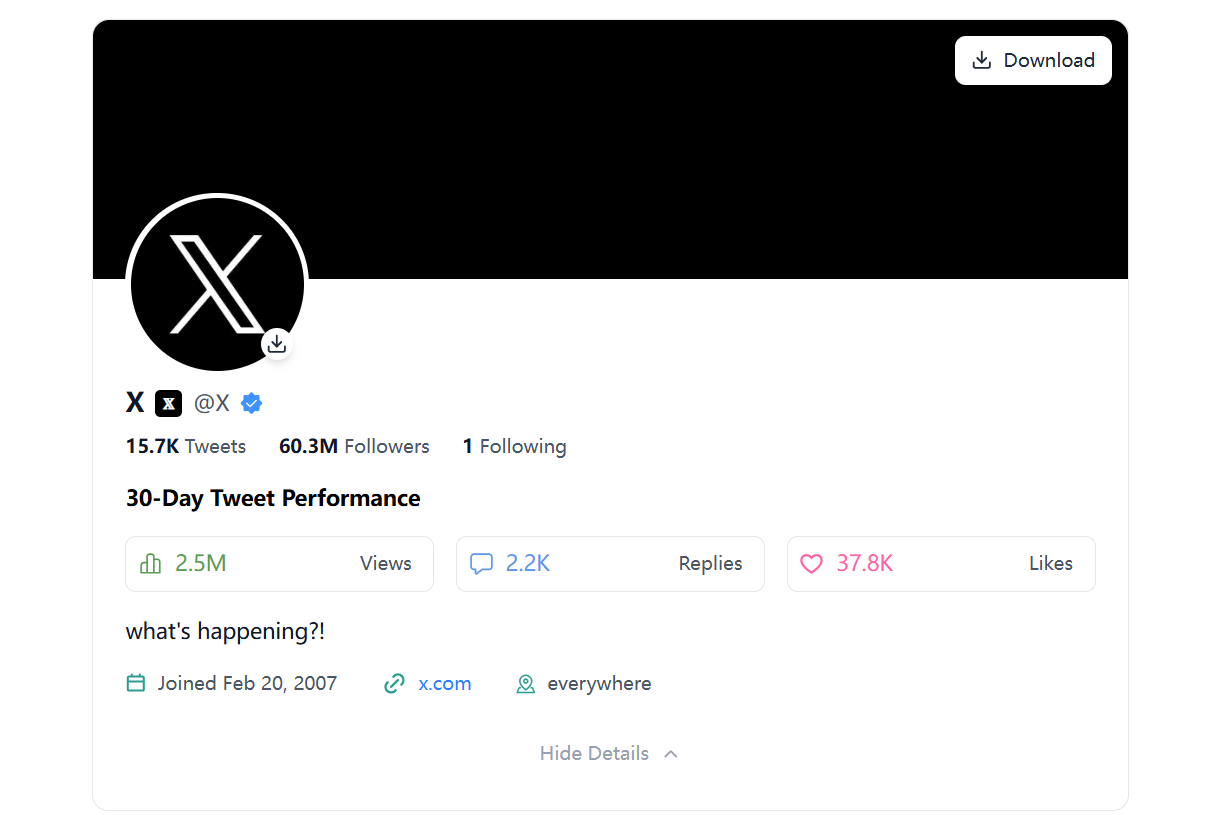
Step 5: Learn from Competitor Behavior and Content Strategy
5.1 Identifying Content Patterns
• What types of content: Look for content that is repeated or recycled across different tweets or posts.
• Why it matters: If your competitors continuously post certain types of content, it’s likely because that content drives engagement or sales.
5.2 Evaluating Social Media Strategy
• Look at their promotional activities: Are they running contests, giveaways, or sharing limited-time offers? These are key strategies used by businesses to engage their followers and drive brand awareness.
Conclusion: Start Analyzing Competitors Today
You don’t need to log into Twitter/X to get valuable insights into your competitors’ strategies. By using the built-in tools and techniques above, you can gain a competitive edge by tracking what your competitors are doing on Twitter/X.
Start tracking your competitors’ Twitter/X accounts today and refine your social media strategy based on the insights you gather. Remember, being aware of your competitors’ actions is one of the best ways to stay ahead in any industry.


